




UP NEXT
APPA Cleaning Standards: Five Levels Explained and a Guide to Floor Care10월 27, 2026

11월 03, 2026
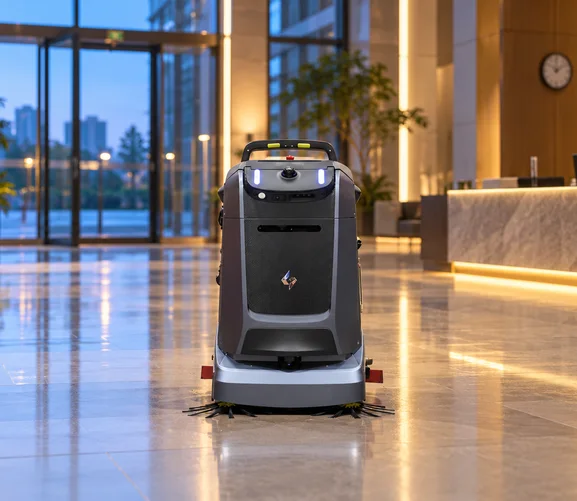
The same cleaning robot can deliver very different results depending on when it runs. A route that finishes smoothly at 5 a.m. may stop repeatedly at noon. A task that runs well during a staffed afternoon may stall overnight when nobody is available to respond.
Choosing a cleaning window is therefore a deployment decision, not a scheduling detail. It affects coverage, the number of interventions, completion rates and how cleaning fits around the people using the building.
Most facilities do not have to choose one window for everything. Short maintenance tasks often run during the day, full-area cleaning runs when the building is quiet, and priority zones are cleaned at fixed times. The planning work lies in deciding which task belongs in which window, and who is responsible when something does not go to plan.
The cleaning window shapes almost every measure of a deployment:
For this reason, comparing the same route in different windows is often more useful than comparing two machines in one window. A robot that looks slow at midday may perform well on the same route at 6 a.m., and a route that runs well at night may leave the floor dirty again by lunchtime.
Daytime operation works best for bounded tasks in areas where soil builds up during the day and routes stay mostly open. Staff are available to respond, and the floor is cleaned close to the time it gets dirty. Predictable movement, targeted spot cleaning and replenishment between windows are the conditions that make daytime floor cleaning in occupied public buildings practical.
Entrances collect grit and moisture with every visitor, especially in wet weather. A full pass before opening followed by short touch-ups during the day keeps the floor presentable without long runs through the busiest hours. Mats, door glass and reception counters remain manual tasks.
Food courts and concourses produce spills and food debris throughout the day. A robot that identifies and cleans dry and wet waste can address them between scheduled passes. A priority pass before the lunch peak is usually more valuable than a full pass in the middle of it.
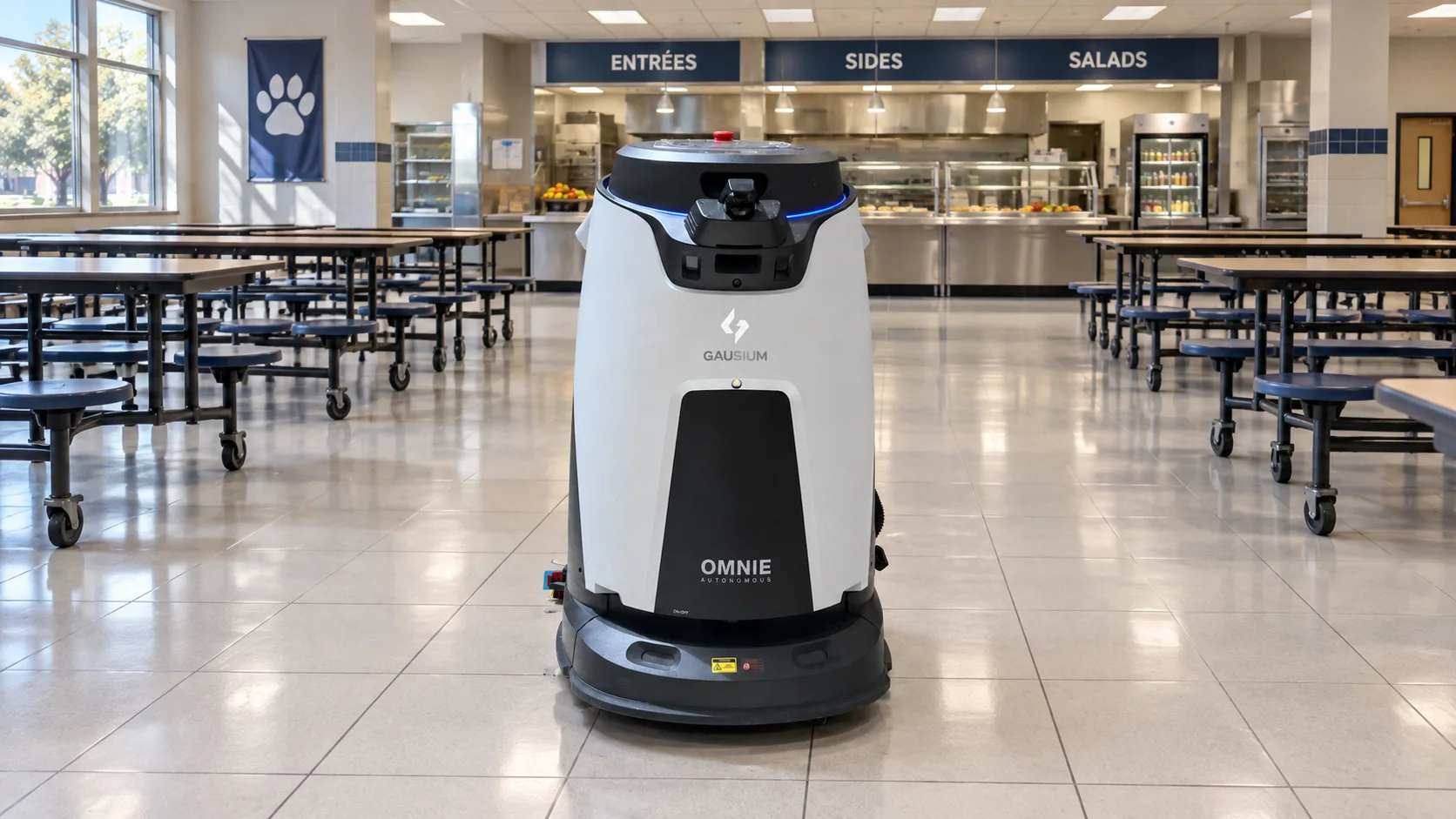
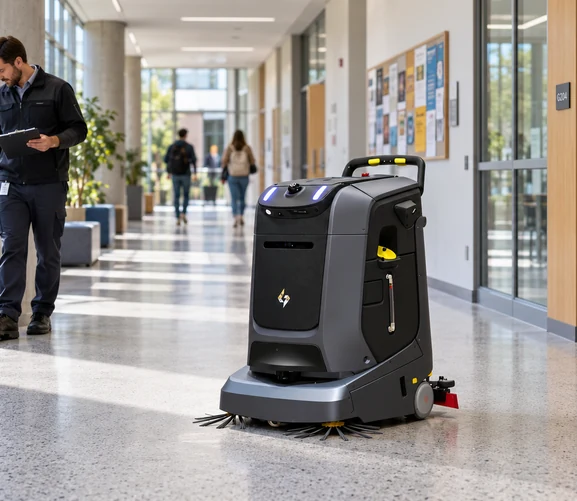
Long corridors suit short, repeated maintenance tasks when traffic is moderate. Routes should avoid pinch points during shift changes, class changes or visiting hours, and the robot should be paused or rerouted when an area becomes crowded.
After-hours operation suits work that needs the whole floor to be open. The trade-off is support: security doors, access control, charging locations and the response to an alert all need to be arranged before the building empties.
Retail floors, halls and large lobbies are easier to clean completely when they are empty. Full scrubbing passes can run without interruption, and the floor has time to dry before the building opens.
Offices, classrooms and meeting areas often have chairs, desks and bags in the way during the day. After hours, routes are more predictable, and the robot can reach more of the floor. Vacuuming carpet and dust mopping hard floors in these areas often fits a late-evening window.
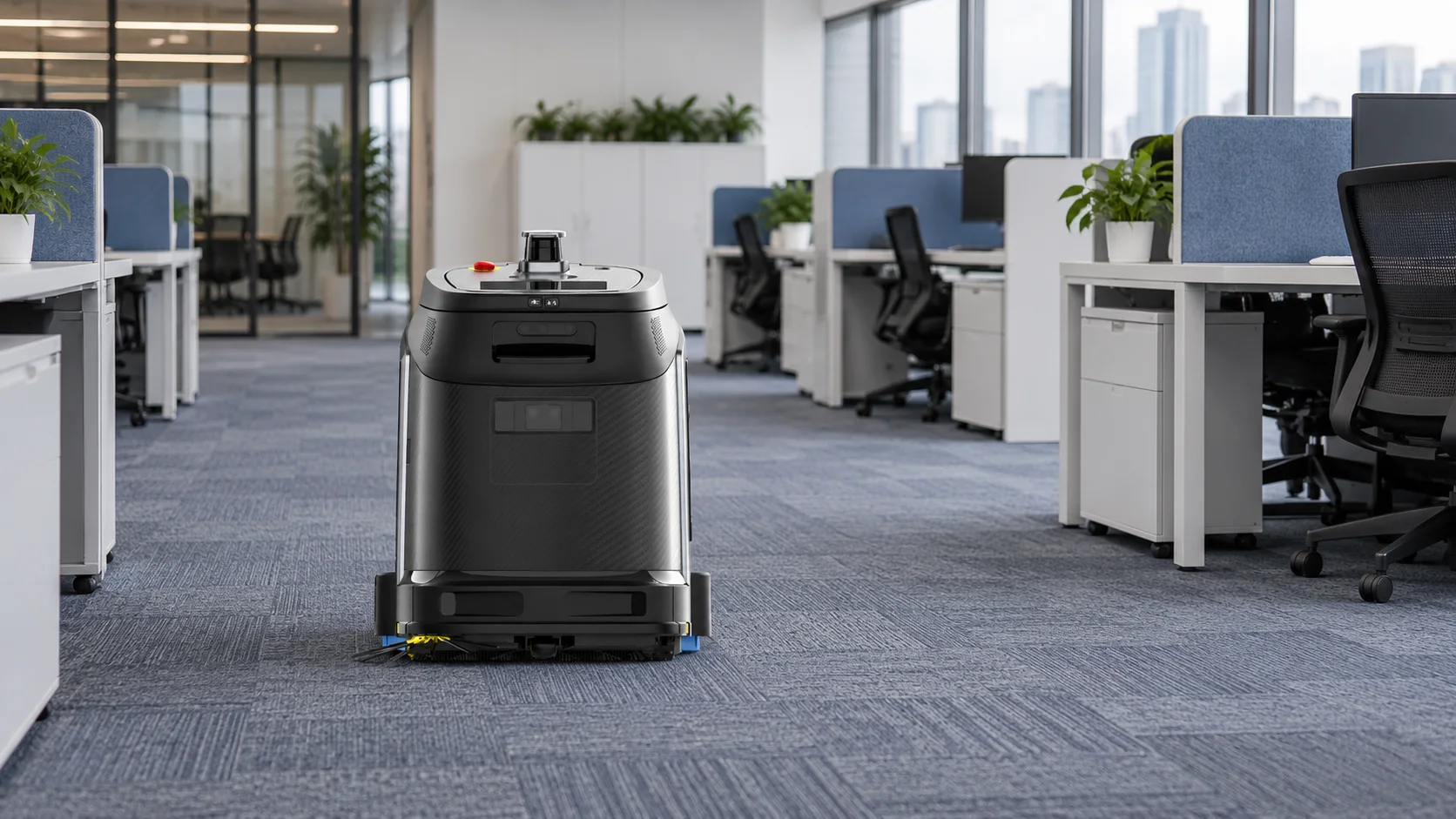
Industrial sites often have the clearest routes once production or picking stops. At MAKELIS, a Greek manufacturer of food processing equipment, Beetle runs twice every 24 hours after production ends, following a mapped cleaning program that covers the full available area of the production hall. Read the MAKELIS case study.
Neither window is better in general. The right choice depends on the zone and the task.
Instead of deciding whether all cleaning happens by day or by night, the work can be divided into task types with different requirements.
|
Task Type |
Typical Window |
Example |
|---|---|---|
|
Daytime maintenance |
Short runs between peaks |
Entrance and corridor touch-ups |
|
After-hours full-area |
Closing to opening |
Complete scrubbing of hard-floor zones |
|
Priority zones |
Fixed times |
Food court before lunch |
|
Manual detail |
Staffed shifts |
Corners, stairs, restrooms, furniture |
|
Exception response |
As needed |
Unexpected spills, blocked routes |
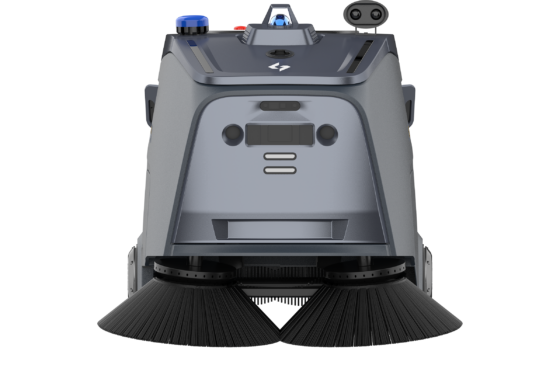
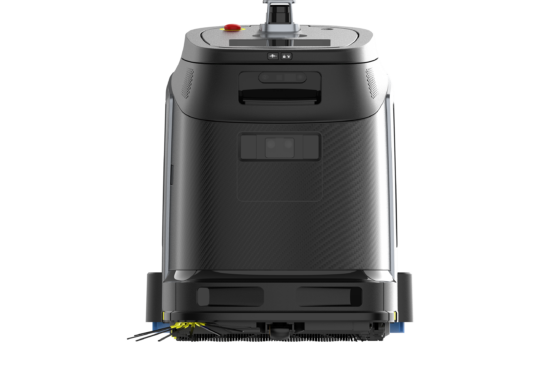
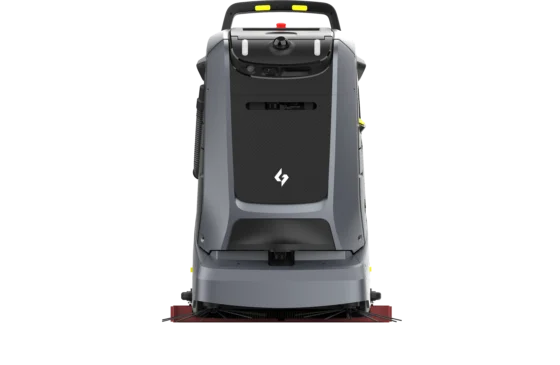
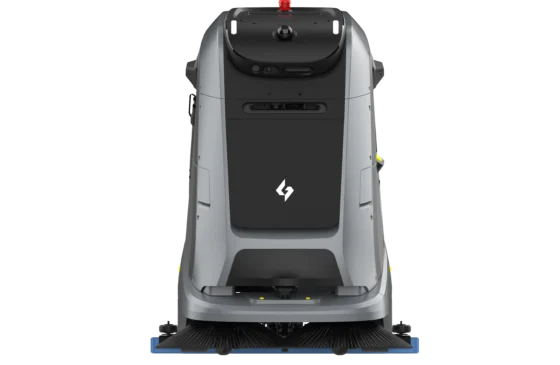
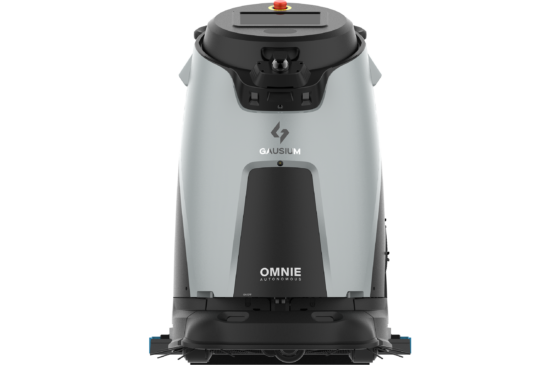
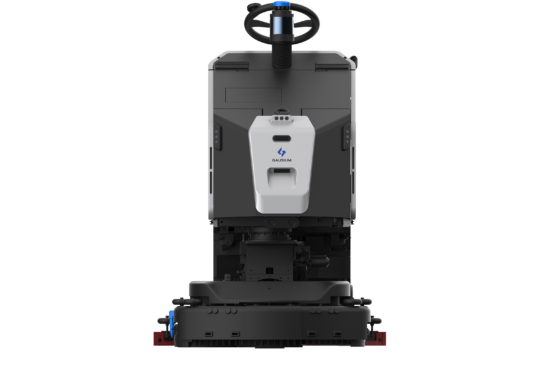
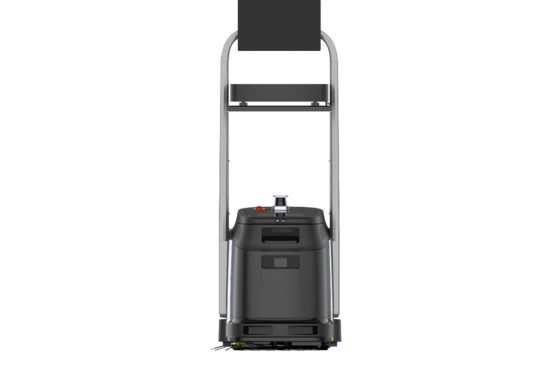
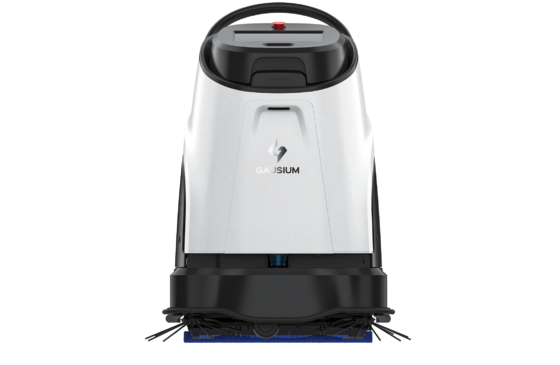
Several Gausium robots fit these task types:
Charging belongs in the schedule as well. Robots with a compatible dock or workstation return for automatic charging when the battery is low; whether a task continues afterward depends on the model, configuration and site setup. Docks should sit where they do not block daytime circulation and where staff can reach them during the shift.
Each task should be planned from the time the area must be ready, not from the time cleaning starts. Allow for:
If a route usually finishes comfortably but occasionally runs into an access restriction, investigate the restriction before using the average as a planning figure. Where several floors are involved, elevator and door access must be planned in advance. Compatible Gausium robots can connect to smart elevator systems and use AutoPass for automatic doors, as an optional integration subject to the building's approval.
Leave some margin. A plan that uses every available minute turns a minor delay into a missed deadline.
A mixed schedule only works when every task has an owner. Before the first run, agree who:
If nobody is on site, the plan should state what happens when a task stops: whether it waits until morning, whether a staff member is called, or whether the zone moves to a staffed window. Night security can often take on the first response, provided they know how to locate the robot and restart or end the task.
Daytime tasks need a different kind of clarity. Reception, security and floor staff should know where the robot is working and how to pause it if needed. This is part of how cleaning robots stay safe around people in shared spaces, and it also helps staff answer visitors' questions.
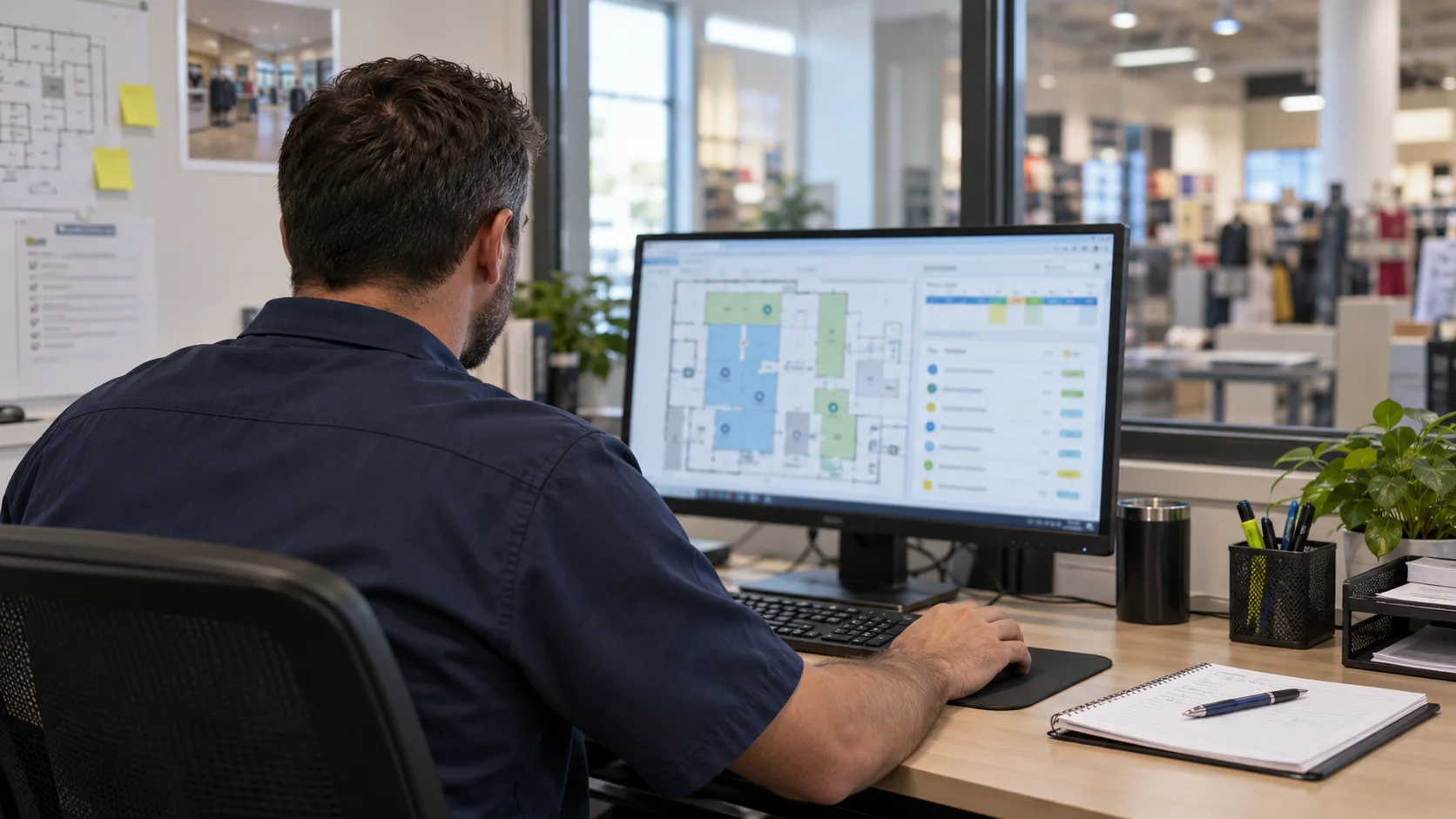
The table below shows how one building might record its schedule. Each zone has a method, windows, manual tasks and an owner for exceptions.
|
Zone |
Method |
Windows |
Manual Task |
Exception Owner |
Completion Check |
|---|---|---|---|---|---|
|
Main entrance |
Scrubbing and spot cleaning |
06:00–07:00 full pass; 13:00–13:30 touch-up |
Mats and door glass |
Front-of-house supervisor |
Visual check before opening |
|
Food court |
Sweeping and scrubbing |
10:00–11:00 priority pass; full pass after closing |
Tables and chairs |
Food court team lead |
Inspection before lunch service |
|
Back corridors |
Sweeping |
After closing, full pass |
Edges and sections the robot could not reach |
Night security |
Task report reviewed the next morning |
|
Offices |
Vacuuming and dust mopping |
18:00–20:00, full pass |
Desks and bins |
Cleaning supervisor |
Weekly spot inspection |
The times and zones above are examples. Each facility should build its own schedule from observed traffic and runs, and review it when opening hours, occupancy or layouts change.
After a few weeks, compare results window by window: completion rate, interventions, cleaning quality and readiness at the required time. A quiet window may reduce interruptions but require staff outside the normal shift. A daytime window may take longer while being easier to support.
Seasonal changes matter too. Holiday trading, events, school terms and timetable changes move the quiet periods, so a schedule that worked in spring may need adjusting by winter. The decision should rest on the complete operating picture, not on runtime alone.
Daytime and after-hours cleaning solve different problems. Daytime runs keep high-traffic areas presentable close to the time they get dirty, while after-hours runs give robots the open floor they need for full-area cleaning. Most buildings benefit from a mix, planned backward from the time each zone must be ready and supported by clear owners for every task. To plan cleaning windows for a specific building, contact Gausium.
It depends on the zone and the task. Short maintenance tasks and priority zones often suit daytime runs, while full-area cleaning and furniture-heavy spaces often suit after-hours runs. Many facilities combine both.
Yes, when charging, access and the response to a stopped task are arranged in advance. The plan needs a compatible dock or workstation, access to doors and cleaning areas, and an agreed owner for alerts.
By working backward from the time the area must be ready, allowing for preparation, travel, cleaning, charging and inspection, plus a margin for ordinary delays.
Step 1/2
Please select the type of business you’d like to have with Gausium.
Choose one item from the list
Step 2/2
Thanks for sharing your preference. Please fill out the form below, and we’ll get in touch shortly.
By clicking “Submit”, I authorize Gausium to contact me. Privacy Policy.
Thank you for filling out the form
By clicking “Submit”, I authorize Gausium to contact me. Privacy Policy.