




UP NEXT
How Commercial Cleaning Robots Stay Safe Around People30 září, 2026

08 října, 2026
Commercial cleaning robots now run across retail, transport hubs, warehousing, healthcare and education.
Early deployments depended on the manufacturer. Engineers handled mapping, route setup and commissioning on site, and a layout change meant repeating the process.
That work has now moved to the machine itself. With Gausium Smart Deployment, site staff build the map, and the robot handles annotation, task creation and parameter settings automatically. A 3,000 m² supermarket goes from zero to running in about 20 minutes.
So which commercial cleaning robots are easiest to deploy, and what should be watched during the process?
Deployment covers everything between delivery and the point where site staff operate the machine unaided. It usually comes down to five pieces of work.
Placing the docking station. A dock needs permanent power and clear standing and approach space. It should sit away from traffic routes, fire exits and firefighting equipment. A workstation with water management also needs a water supply and a drain connection.
Building the map. The machine scans the site and generates the map that every route is built on.
Setting routes. This means dividing the area into zones, marking no-go areas, and sequencing the work.
Trial runs and adjustment. The route runs under normal conditions, and chokepoints and timing are corrected.
Training site staff. The cleaning team learns to start tasks, empty the bin, replace consumables and respond to alerts.
The first four happen once. Training recurs as staff change, and mapping recurs whenever the layout changes. Smart Deployment shortens mapping, route setup and adjustment the most.
Gausium Smart Deployment reduces machine setup to three operator actions.
1. Build the map. Power on, start mapping, and switch on assisted pushing. The robot maps with 3D LiDAR as it moves. In shelved areas, only the main aisles need to be covered, and the shelf zones fill in automatically.
During mapping, the robot automatically:
2. Create the workstation in one tap (optional). The robot searches for the workstation and creates it automatically, with no repeated docking attempts.
3. Start the task in one tap. Cleaning zones, the full-site task, and cleaning and edge parameters are all generated from the map. The robot cleans along edges, avoids new obstacles and pedestrians, and picks up debris such as packaging straps.
In Gausium’s demonstration, Mira was deployed in a 3,000 m² supermarket in about 20 minutes, a process that previously took one to two days. Actual time varies with site conditions.
Watch the full demonstration of Smart Deployment on Mira:
This delays more deployments than anything else, and Smart Deployment does not change it. It has nothing to do with the machine.
A charging dock needs permanent power and a position that will not be moved later. A workstation also needs water and drainage. In practice, the existing plumbing decides where the workstation goes, and the workstation position then decides which zones the machine can reach.
Watch for: mark candidate dock positions on the floor plan during the site survey and clear them with whoever is responsible for fire safety and circulation. Positions chosen on delivery day are usually ones already ruled out.
Who builds the map, and how much editing follows, decides the time and labor in first deployment.
Where an engineer has to draw virtual walls, mark carpets and glass, and create tasks by hand, the schedule depends on their availability. With Smart Deployment, site staff push the robot through the main aisles and the rest is automatic, so work can start the day the machine arrives. Across multiple sites, this difference multiplies by the number of buildings.
Watch for: build the map with the site in its normal working state. Smart Deployment recognizes stacked stock, carts and pedestrians as temporary, so there is no need to clear the floor first.
Store resets, production line changes, classroom reconfiguration and event setups happen many times a year.
There are three ways this is handled: an operator walks the route again, the existing map is edited, or the machine updates the map itself. With Smart Deployment, the robot senses changes in real time and updates the map automatically, so no engineer visit is needed. The difference is small on any single occasion and substantial across a year.
Watch for: test this during the trial with a real layout change rather than discovering it after go-live.
The machine arrives and is unpacked, the dock position is confirmed and powered, and Smart Deployment takes the robot from mapping to its first task.
How much of the day this takes depends on whether the dock position was settled in advance. Sites that marked it during the survey can run a first task the same day. Sites that did not usually stop here to resolve power or drainage.
The robot runs its tasks through normal shifts.
Two things typically surface this week. The tightest point on the route may be narrower than the floor plan suggested. The available cleaning window may also be shorter than the schedule states, once shift handover and staff movement are counted. Both are corrected within the week.
The cleaning team operates the machine, and the supplier moves into a support role.
What matters now is whether someone who was not present at commissioning can run it. Turnover in cleaning roles is high, so the test is whether the next person can learn it from the documentation. A three-step setup that is easy to learn and easy to use makes this much simpler.
How the first store reset or line change is handled determines the running cost from then on. Automatic map updates, app edits by site staff, or waiting for a visit each produce a visibly different total across a year.
Three figures are more reliable than the observation that the machine is running.
Coverage completion rate. This is the share of the planned area actually finished per task. A consistently low figure usually points to obstructions, the map or the schedule rather than machine capability.
Interventions per task. This is how often someone has to step in. Deployment is settled when it stabilizes at a low number.
Consecutive unsupported weeks. These are full weeks run by the site alone. One complete week of scheduled tasks with no supplier involvement works well as the handover point.
Setting handover as an explicit milestone is what stops a deployment drifting indefinitely through a supported phase.
|
Stage |
Gausium approach |
|
Mapping |
Smart Deployment: assisted pushing, main aisles only in shelved areas, automatic annotation of virtual walls, carpets, glass and escalators |
|
Task and parameter setup |
Cleaning zones, full-site tasks, and cleaning and edge parameters generated automatically |
|
Layout changes |
Map updates automatically as the environment changes; Mira also supports Drop & Go deployment without remapping |
|
Inter-floor routes |
Phantas takes elevators autonomously, so multi-story buildings do not need a machine per floor |
|
Charging and water |
Docking stations handle charging, refill and drainage; Mira and Marvel add onboard self-cleaning |
|
Fault handling |
Remote Maintenance Center provides 24/7 cloud diagnostics, with around 70% of faults resolved remotely |
|
Software updates |
Delivered over the air at no additional charge, not billed as service visits |
|
Multi-site management |
Task completion and consumable status visible across sites on one platform |
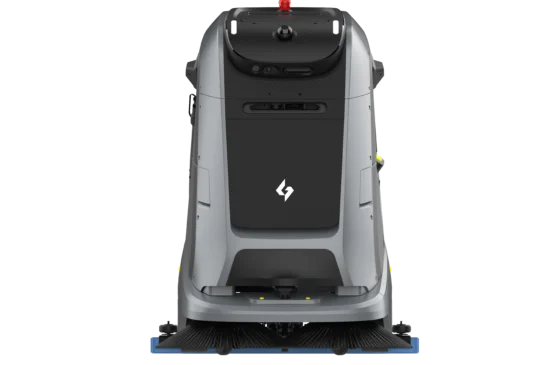
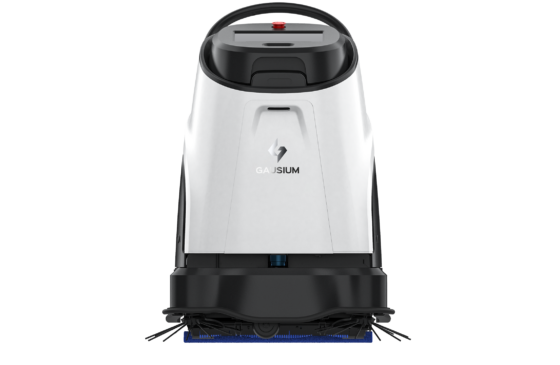
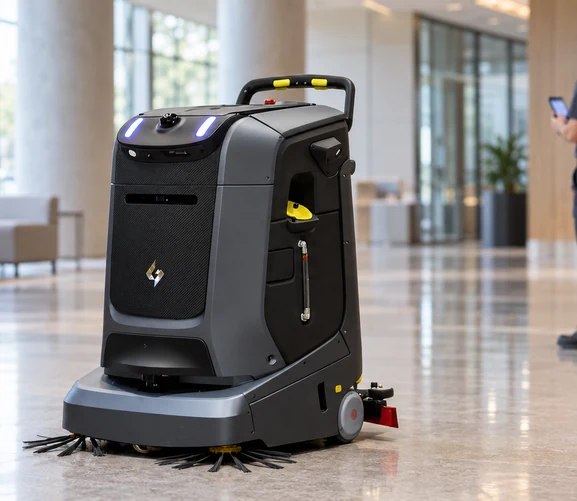
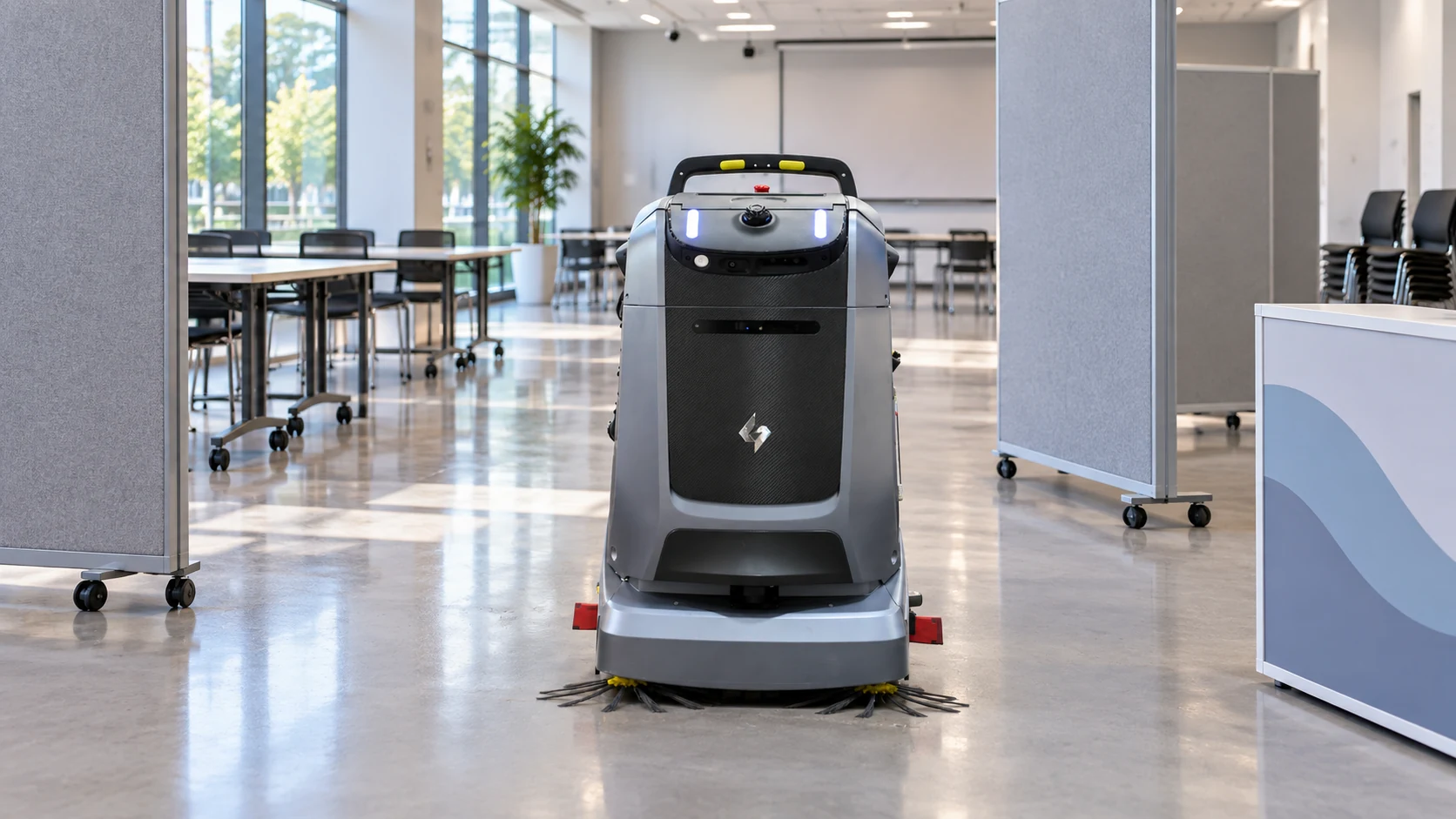
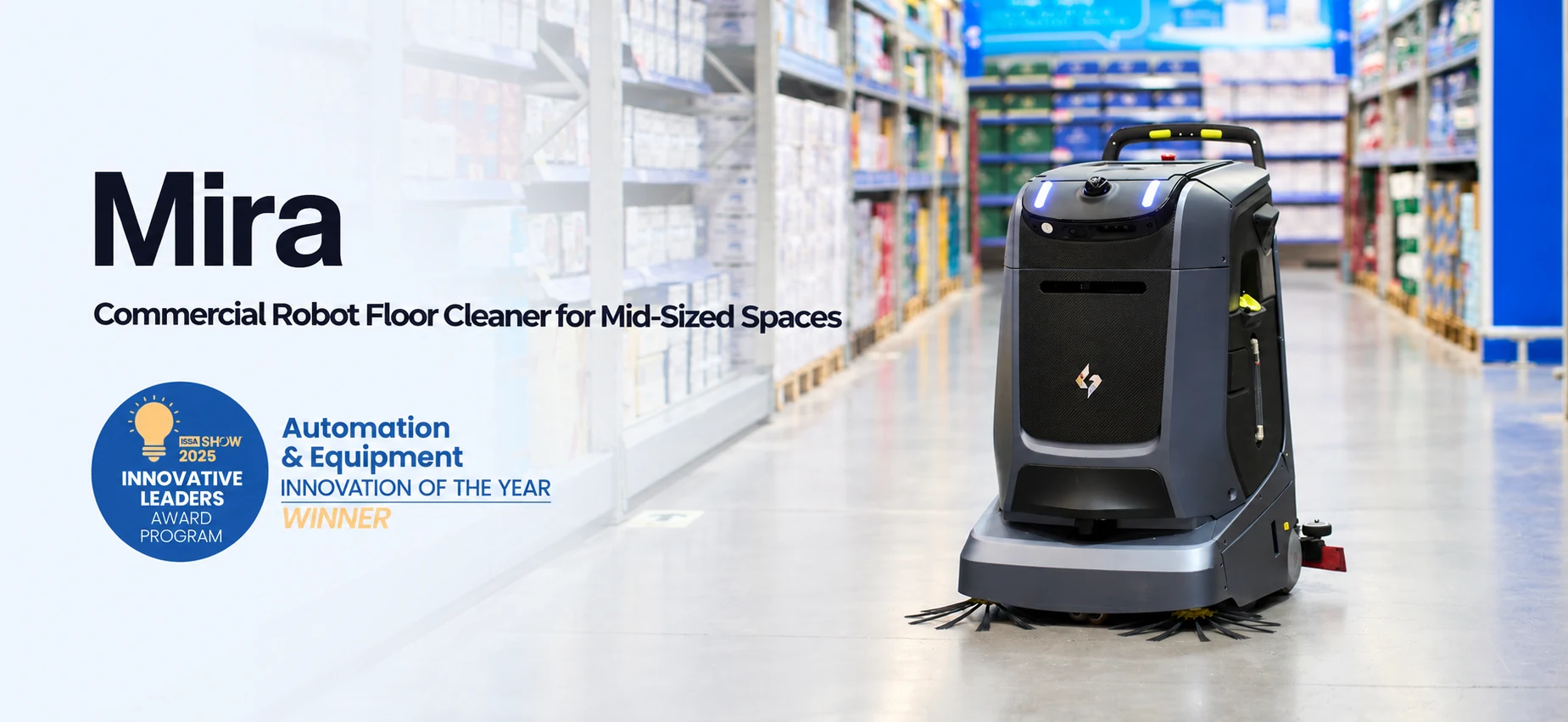
Mira is built for mid-sized spaces across retail, hospitality, offices, transportation and education. It is the model shown in Gausium’s Smart Deployment demonstration, cleaning a supermarket with shelved aisles, stacked stock and shoppers.
Mira supports Drop & Go deployment and adapts to changing layouts and temporary event setups without remapping. For retail floors reset several times a year, teaching buildings rearranged each term, and exhibition spaces, this removes repeated site work.
Its onboard self-cleaning system flushes the recovery tank and suction path between tasks, which reduces end-of-shift work. Mira won Automation & Equipment Innovation of the Year in the ISSA Show 2025 Innovative Leaders Award Program.
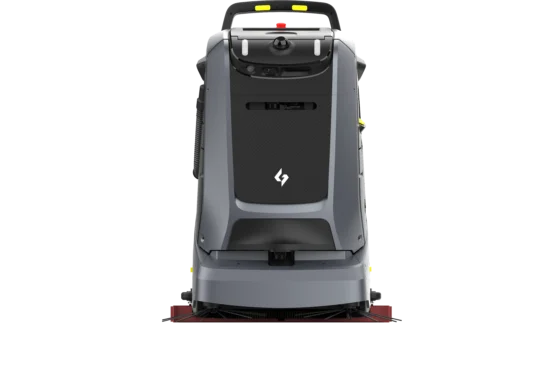
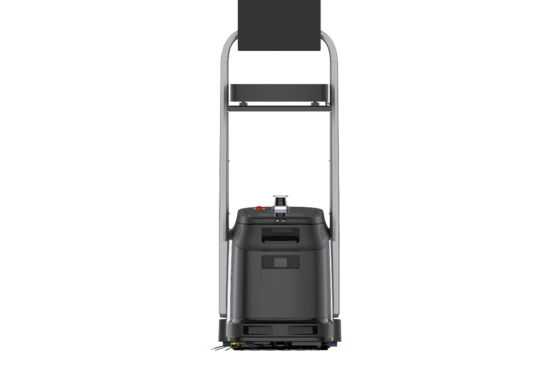
Phantas is designed for small to midsize spaces in hospitality, retail, workspaces and healthcare. Its integrated handle switches between autonomous and manual modes based on handle position. A power assistance system makes the machine easy to move between areas.
Phantas also takes elevators autonomously to clean across floors. Offices, hotels and hospitals do not need a machine on every floor, or staff to move one between them. Docking stations extend uptime and reduce operator intervention.
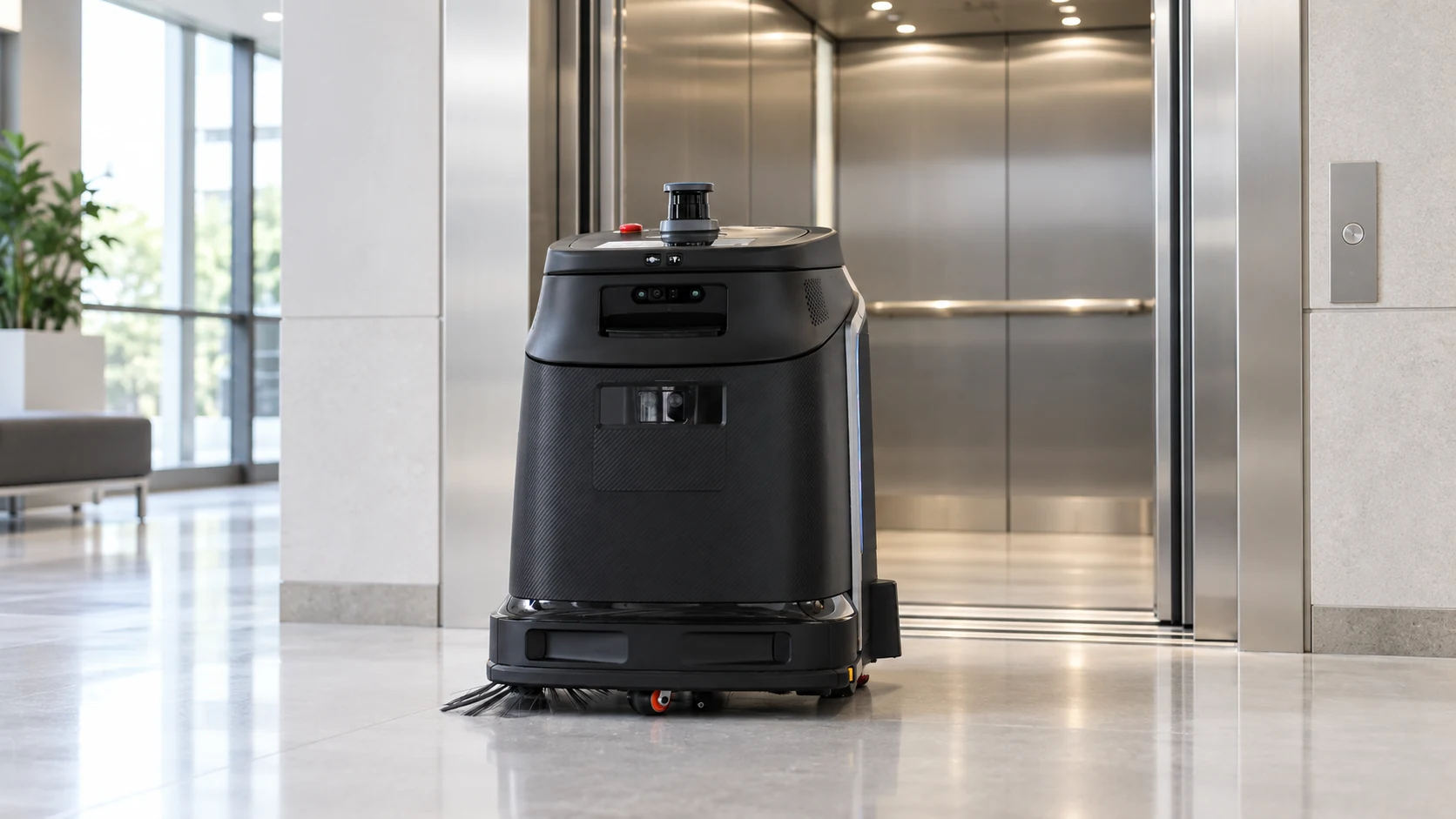
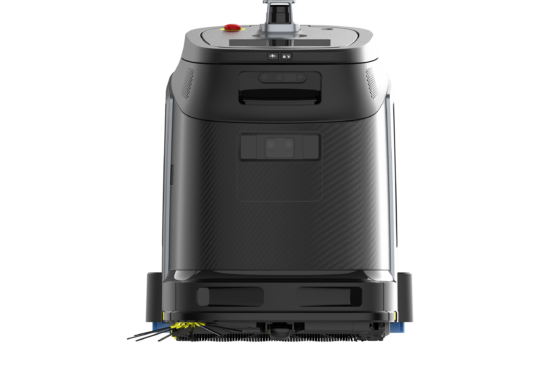
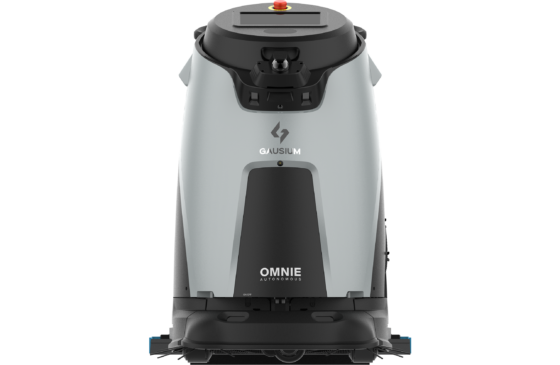
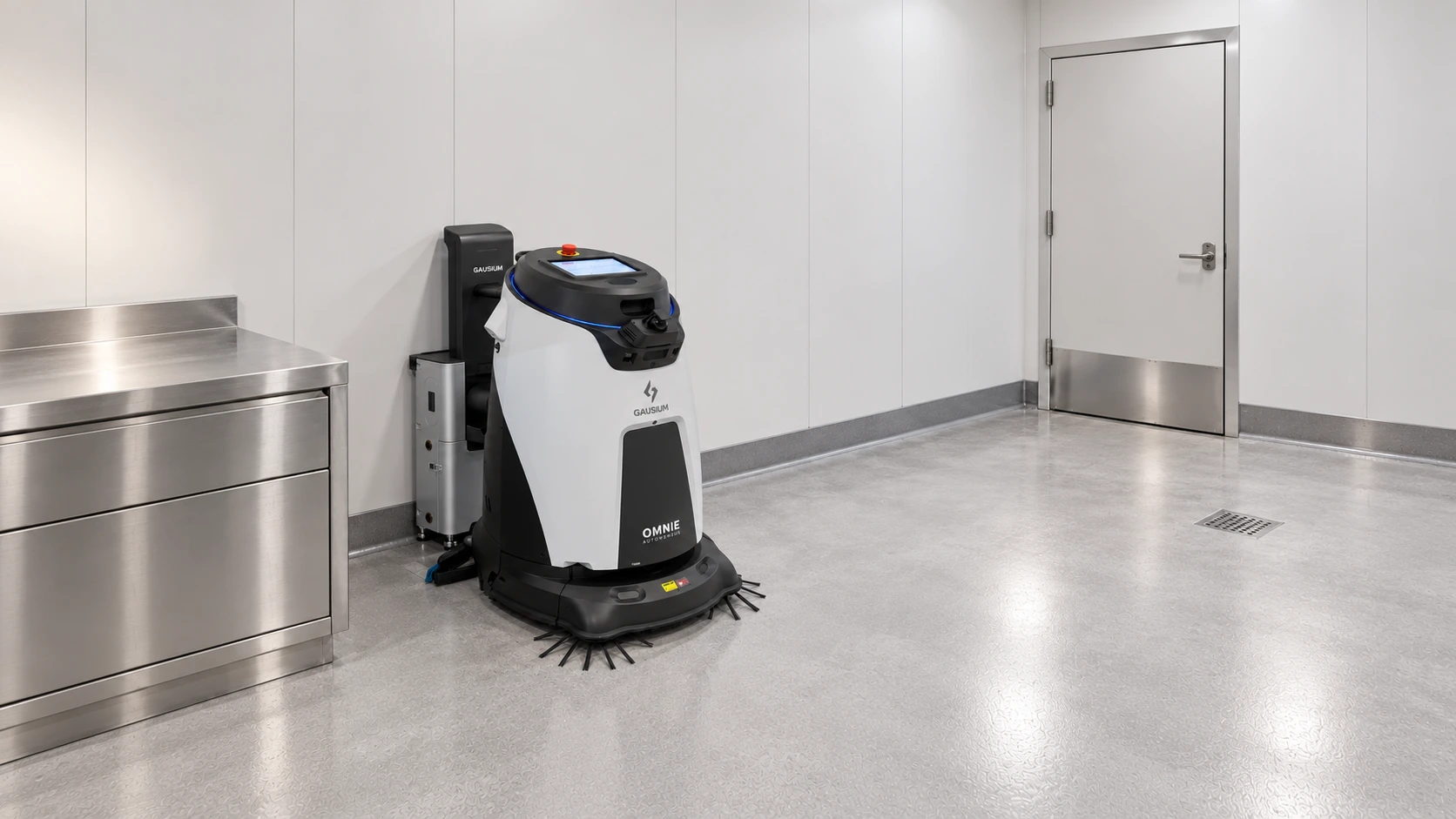
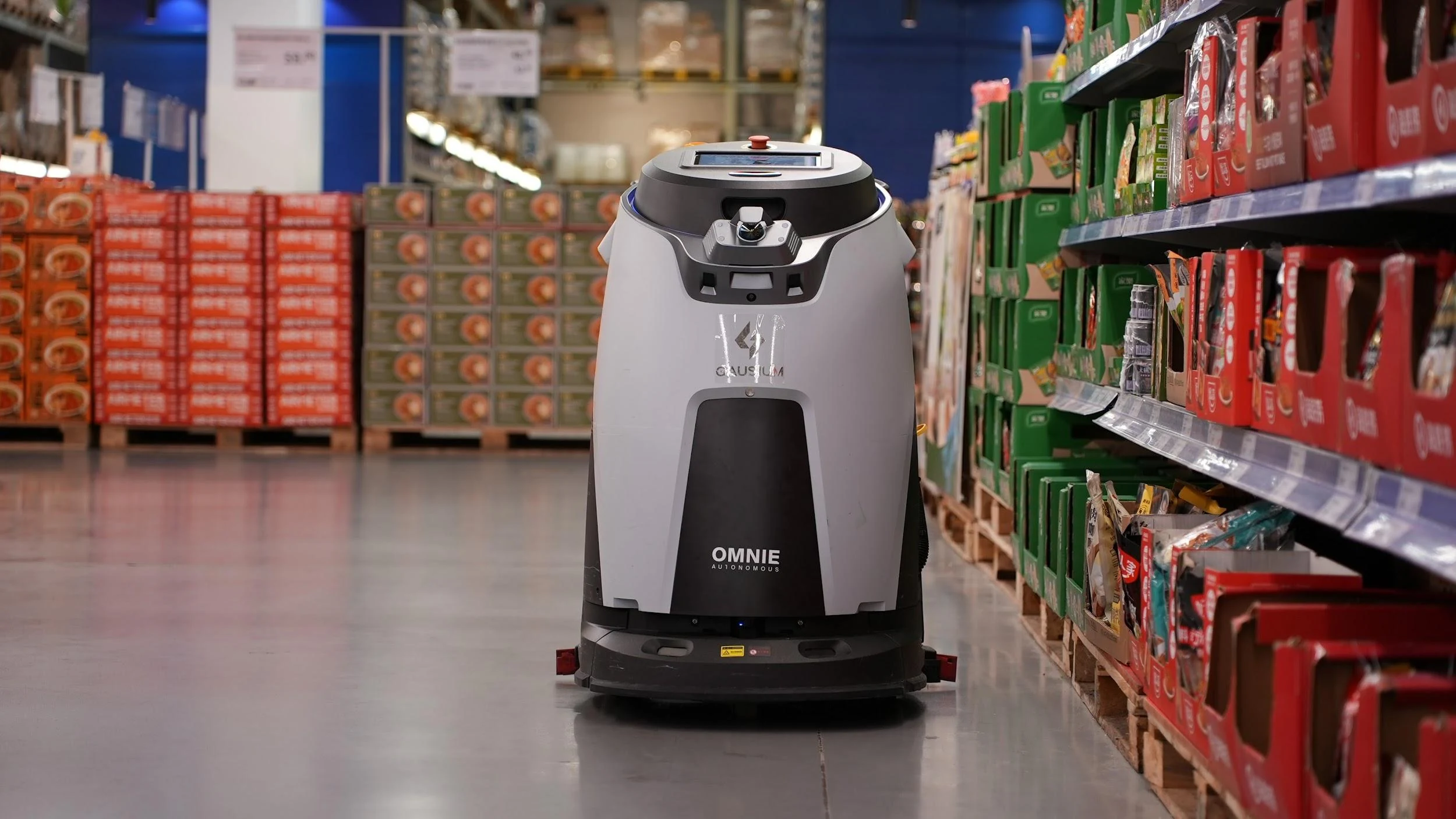
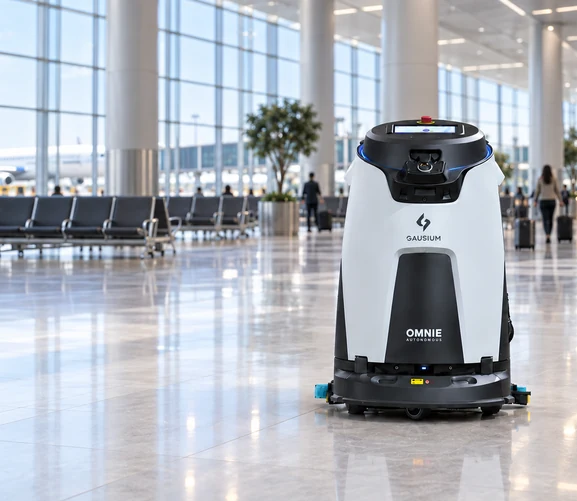
Omnie is an AI-powered floor cleaner for high-dynamic environments, including transportation hubs, logistics, manufacturing, retail, car parks and contract cleaning. In these sites, people, carts and vehicles keep moving, and the floor rarely empties. The main deployment question is therefore which cleaning window to use, rather than whether the route is passable.
Greek supermarket chain AB Vassilopoulos runs Omnie alongside Phantas across its stores.
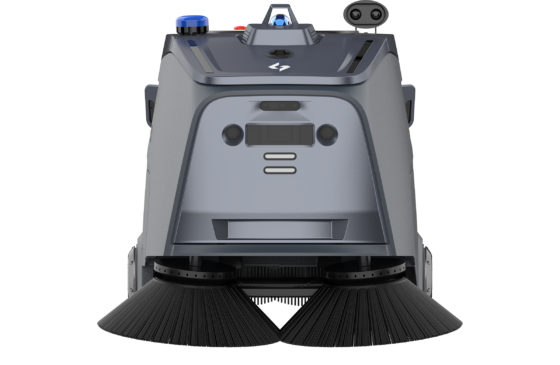
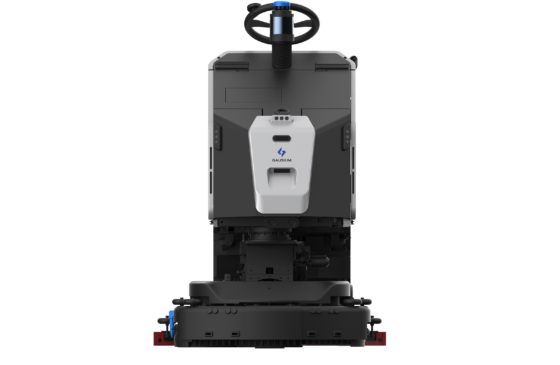
Beetle covers large outdoor and indoor-outdoor sites, where the main deployment variables are dock position and route length. It passes sliding doors on its own through AutoPass integration, so a route crossing between zones does not need anyone waiting at the threshold.
A single deployment is a project. Several become a process, and the difference shows up in what gets written down.
With machine setup down to about 20 minutes, building preparation becomes the main thing that sets the pace of a multi-site rollout.
After the first site runs unsupported for a week, record three things while they are fresh:
Those three documents let the second site skip the discovery work rather than repeat it. Where machines share one platform, an additional unit also inherits the existing site structure and reporting.
To plan a deployment for a specific building, contact Gausium for a site survey.
With Smart Deployment, a 3,000 m² supermarket goes from mapping to its first task in about 20 minutes. Time varies with site conditions, and dock preparation should be settled before delivery.
No. Site staff build the map with assisted pushing. Annotation, task creation and parameter settings are generated automatically.
No. Only the main aisles need to be covered, and the shelf zones fill in automatically.
Permanent power at the dock position, clear standing and approach space, and a location away from traffic routes and fire equipment. A workstation with water management also needs a water supply and a drain.
The robot senses changes in real time and updates the map automatically. Test this with a real change during the trial.
Gausium robots could be configured to take elevators autonomously. Confirm the elevator integration requirements during the site survey.
When the site has run a full week of scheduled tasks without supplier involvement. Naming that as a milestone prevents the project drifting through an open-ended support phase.
No. Where machines share one system and platform, an additional unit of the same model inherits the existing site structure and management routine.
Step 1/2
Please select the type of business you’d like to have with Gausium.
Choose one item from the list
Step 2/2
Thanks for sharing your preference. Please fill out the form below, and we’ll get in touch shortly.
By clicking “Submit”, I authorize Gausium to contact me. Privacy Policy.
Thank you for filling out the form
By clicking “Submit”, I authorize Gausium to contact me. Privacy Policy.